


MKV files may contain different video codecs (even old ones), audio tracks, subtitles, and chapters, that's why some your MKV videos work in one player but not in another. Convert MKV to MP4 online to create a more predictable video copy for phones, TVs, browsers, media players, and editing apps.
MKV to MP4 Converter Online
Turn MKV videos into MP4 for easier to open, upload, and use across phones, TVs, browsers, and editing apps.
- Convert MKV files with tricky playback, subtitle, or audio-track issues into MP4
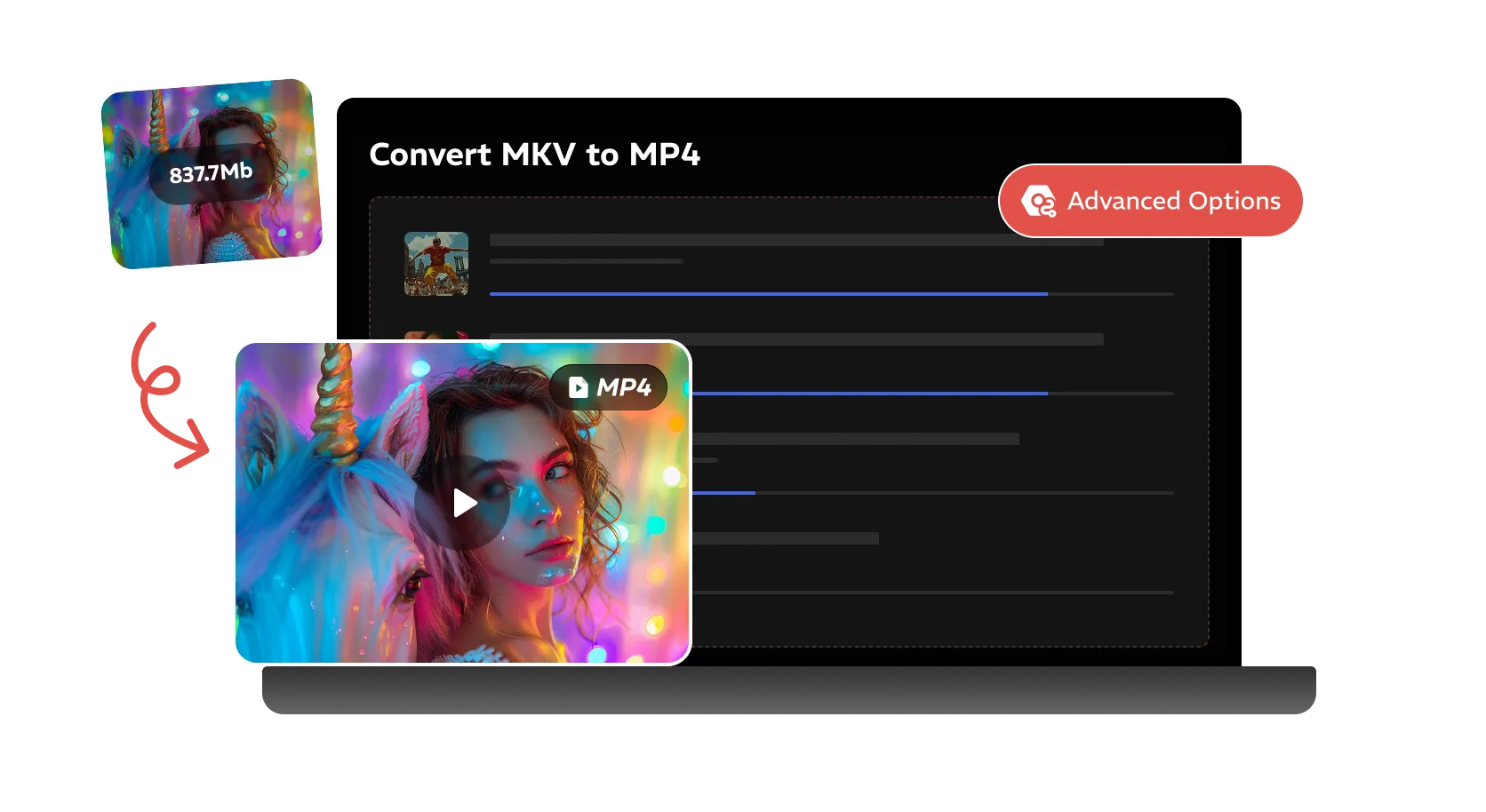
- Reduce the size of large MKV videos by converting them to MP4
- Handle large MKV movies, episodes, and video folders with the desktop converter
Convert locally with the desktop version to handle long videos, batch folders, and save multiple audio or subtitle tracks.
Online MKV to MP4 Converter
Upload an MKV file, choose MP4 settings, and download a browser-friendly MP4
Uploaded Video
-
Output Video
MP4 Video
Add an MKV video to start MP4 conversion.
Converting
Preparing file...
Preparing MP4 conversion...
Convert MKV to MP4 for Better Compatibility and Smaller Size
Create MP4 copies from MKV videos for smoother playback, easier uploading, and simpler use across devices and apps
MKV is often used for movies, episodes, anime, and high-quality video archives, so the files can be large and awkward to move, upload, or share. Converting MKV to MP4 helps create a lighter version while keeping the good quality.
The online converter is useful for a quick MKV to MP4 task. For long-form movies, episode folders, batch conversion, or files with multiple audio and subtitle tracks, Any Video Converter gives you a local desktop workflow with more advanced control.

MKV to MP4
Compress MKV
Batch MKV to MP4
How to Convert MKV to MP4 Online for Free
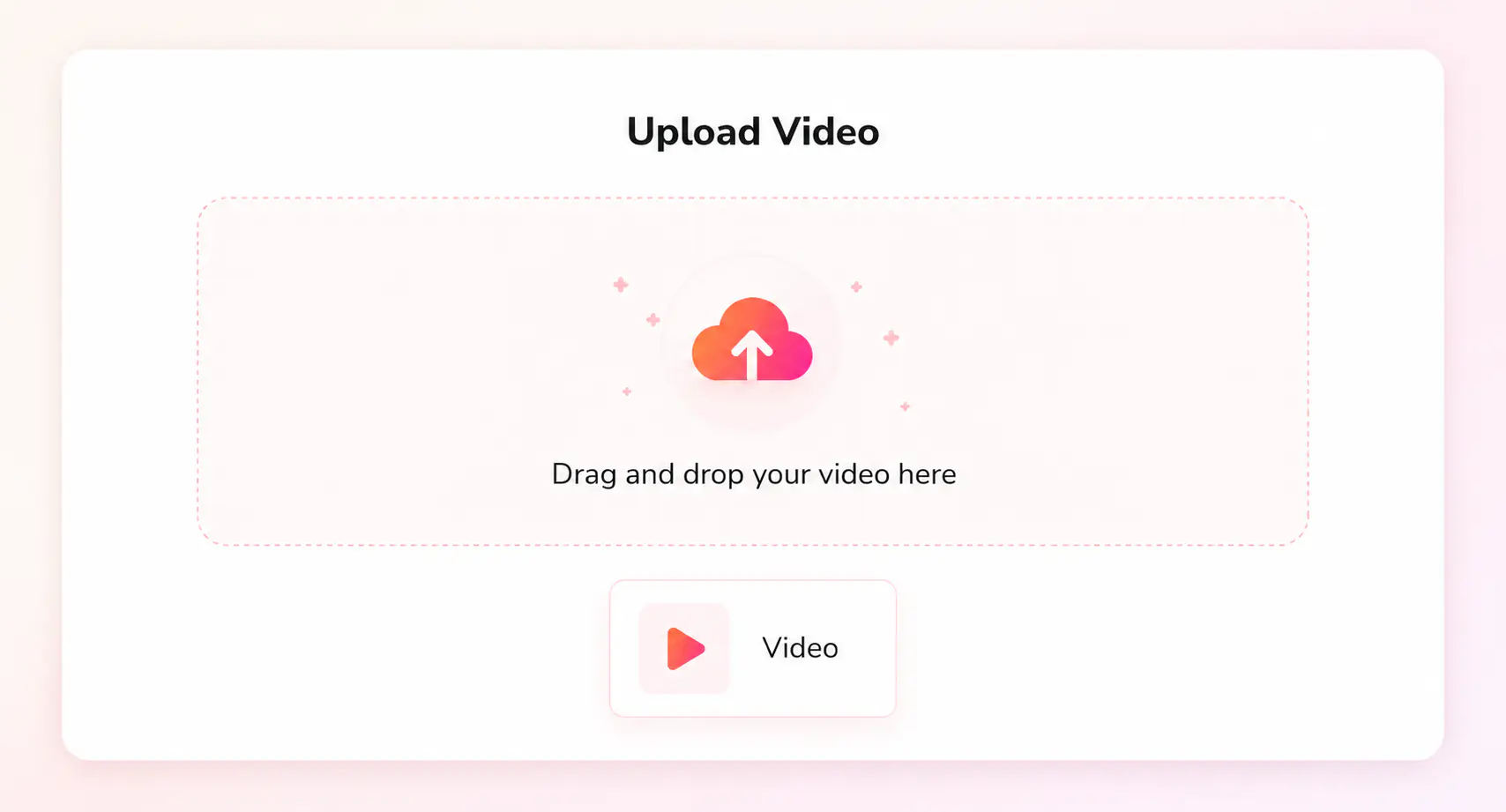
Click “Upload a Video” and add an MKV file from your computer, tablet, or mobile phone.
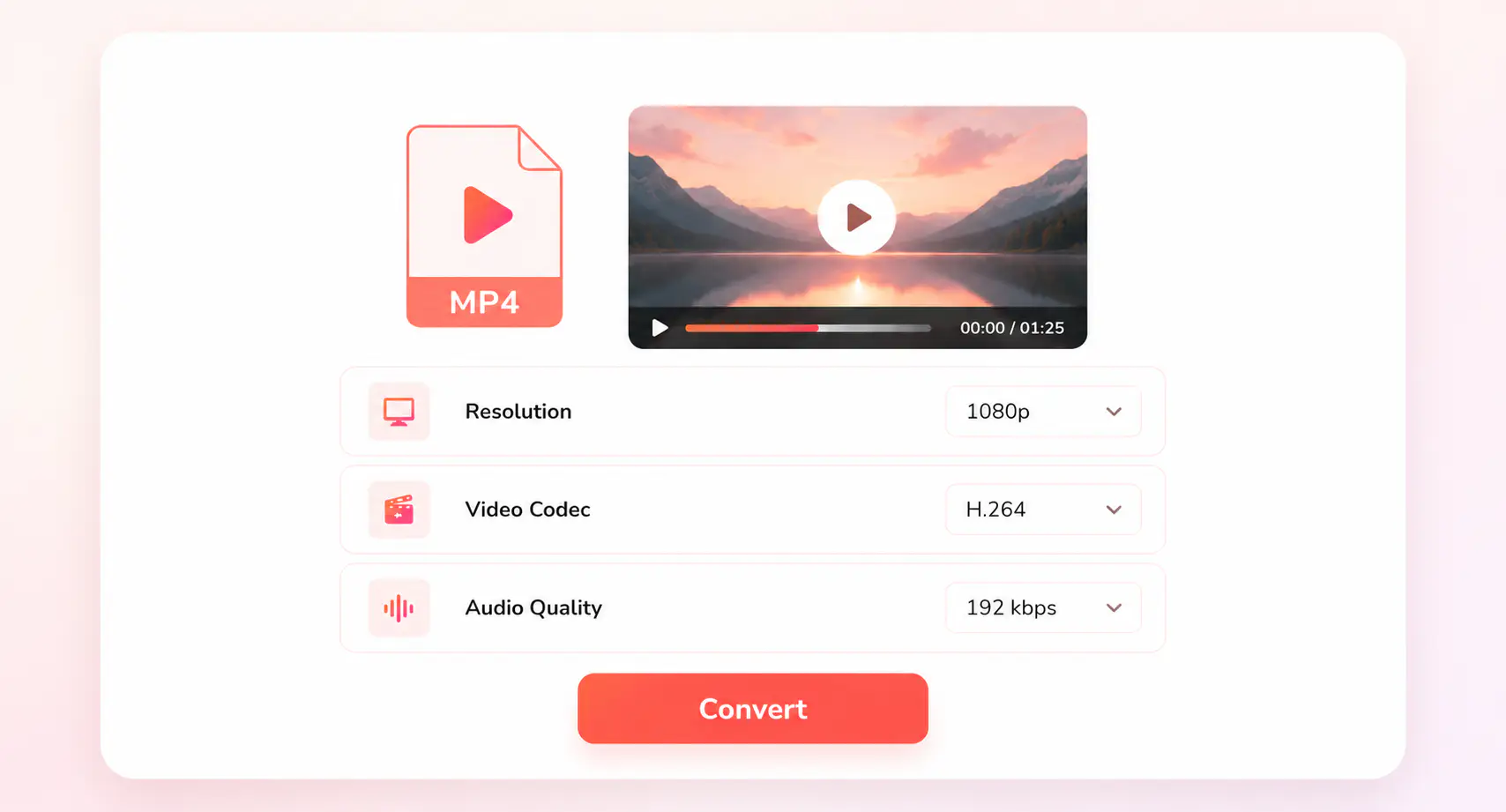
Select MP4 as the output format, then choose your desired output resolution, video codec, and audio quality.
Start converting your MKV file to MP4, then download the MP4 video after the conversion is finished.
Online Video Converters for Everyday Files
Convert MKV, MP4, MOV, AVI, WebM, DVD, and other formats into files that fit your devices, apps, and everyday video workflow
Explore More MP4 Conversion SolutionsTake Control of MKV to MP4 Conversion
Handle large MKV videos, batch folders, saved presets, audio tracks, and subtitles with more control
FAQs about MKV to MP4 Converter
Quick answers about converting MKV to MP4
Can I convert MKV to MP4 online for free?
Yes. You can convert MKV to MP4 online for free by uploading your video and downloading the converted MP4 file. The online tool is a good fit for quick conversions when you only need a standard MP4 version for everyday use.
Why does my MKV file play in one app but not another?
MKV is a container format, so one MKV file may include video, audio, subtitles, chapters, or tracks that another player does not fully support. That is why an MKV video may work in VLC but fail on a phone, TV, browser, or editing app. Converting MKV to MP4 with a common codec such as H.264 can make playback more predictable.
Will converting MKV to MP4 reduce video quality?
Converting MKV to MP4 does not have to reduce visible quality if you keep the output close to the source. Quality loss usually happens when you lower the resolution, use a very small bitrate, or compress the video too aggressively.
Will subtitles and audio tracks be kept when converting MKV to MP4?
It depends on the converter and the output settings. MKV files can contain multiple audio tracks and subtitle tracks, while a simple online conversion usually creates a standard MP4 file for easier playback. For more control over audio tracks, subtitles, and repeated export settings, the desktop converter is a better choice.
How can I convert MKV to MP4 faster?
To convert MKV to MP4 faster, use Fast Conversion or Remux mode when the original video and audio streams are compatible with the MP4 container. This keeps the original streams and changes only the container, avoiding unnecessary re-encoding. If you change the codec, resolution, bitrate, or other video settings, the file will need to be re-encoded, and GPU acceleration can help reduce the conversion time. Learn more about Fast Conversion vs GPU Acceleration.
When should I use a desktop MKV to MP4 converter?
Choose the desktop converter when you are working with long MKV movies, episode folders, large files, or videos with multiple audio and subtitle tracks. Any Video Converter processes MKV files more efficiently on Windows or Mac, as well as saves the multiple audio tracks and subtitles.