


Not every MP4 needs to stay a video. Turn tutorials, webinars, interviews, music clips, voice notes, or screen recordings into standalone MP3 files you can replay, save, share, or add to a playlist.
MP4 to MP3 Converter Online
Extract MP3 audio from your MP4 video online
- Extract MP3 audio when the sound matters more than the video
- Keep voice, music, lessons, or interviews in a lighter audio-only file
- Batch convert long videos and repeated MP4 exports with the desktop app
Need to extract audio from long recordings, course videos, or multiple MP4 files? The desktop version helps you convert locally and manage MP3 exports with more control.
Online MP4 Audio Extractor
Drop in an MP4 video and download its audio as MP3 without changing the original video.
Uploaded MP4
-
Output Format
MP3 Audio
Add an MP4 video to extract its audio as MP3.
Converting
Preparing MP4 file...
Preparing MP4 audio extraction...
Keep the Audio, Skip the Video
Extract the sound from MP4 and save it as MP3
Use a lighter MP3 setting for speech-heavy videos, a balanced setting for everyday listening, or a higher-quality MP3 when the MP4 contains music, ambience, or detailed sound you want to keep clear.
When you need MP3s from long lectures, course folders, or meeting archives, Any Video Converter lets you extract audio locally, batch process files, and reuse your preferred settings on Windows or Mac.

MP4 Audio Extraction

Choose MP3 Quality
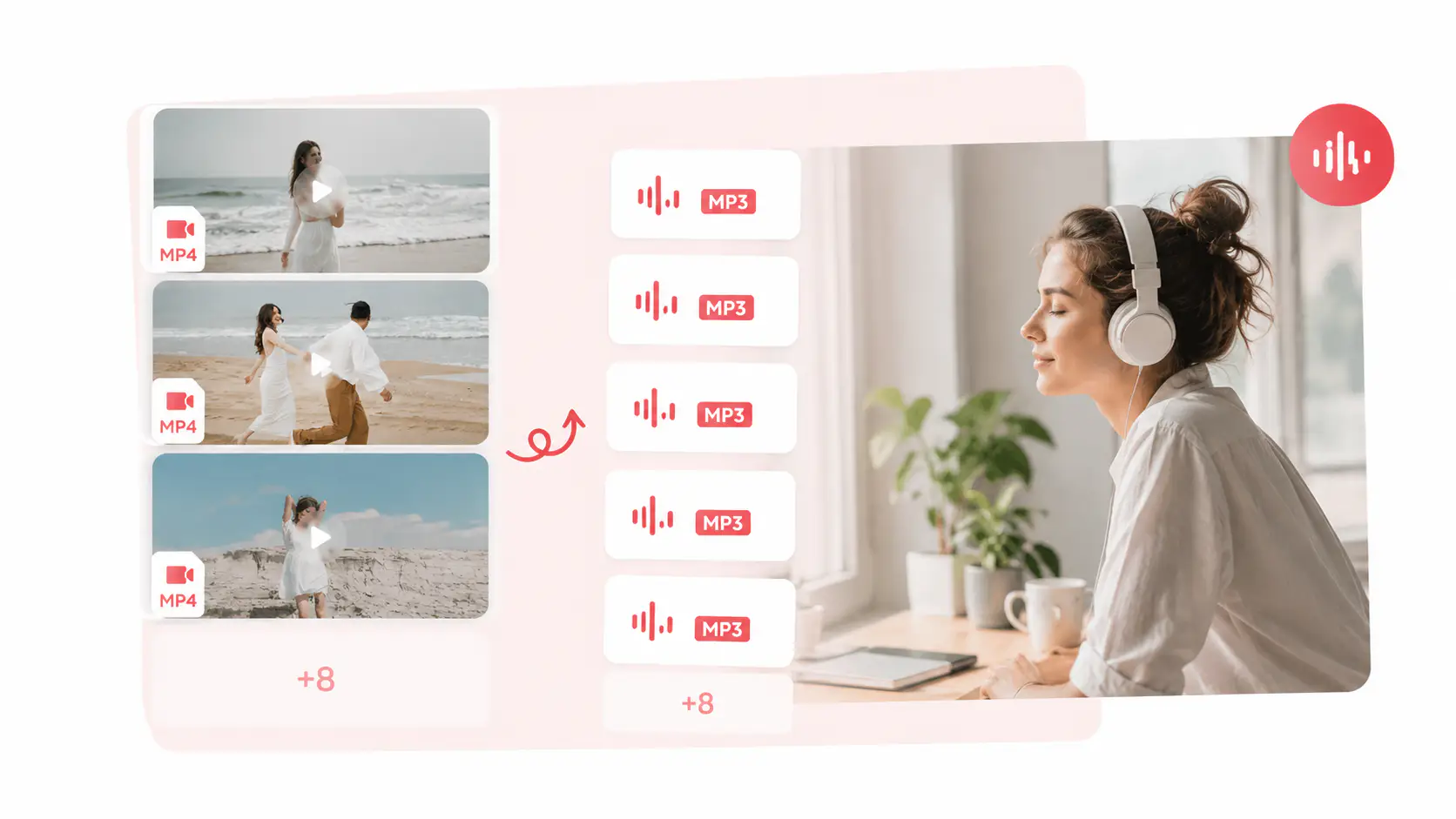
Batch MP4 to MP3
How to Extract MP3 Audio from MP4
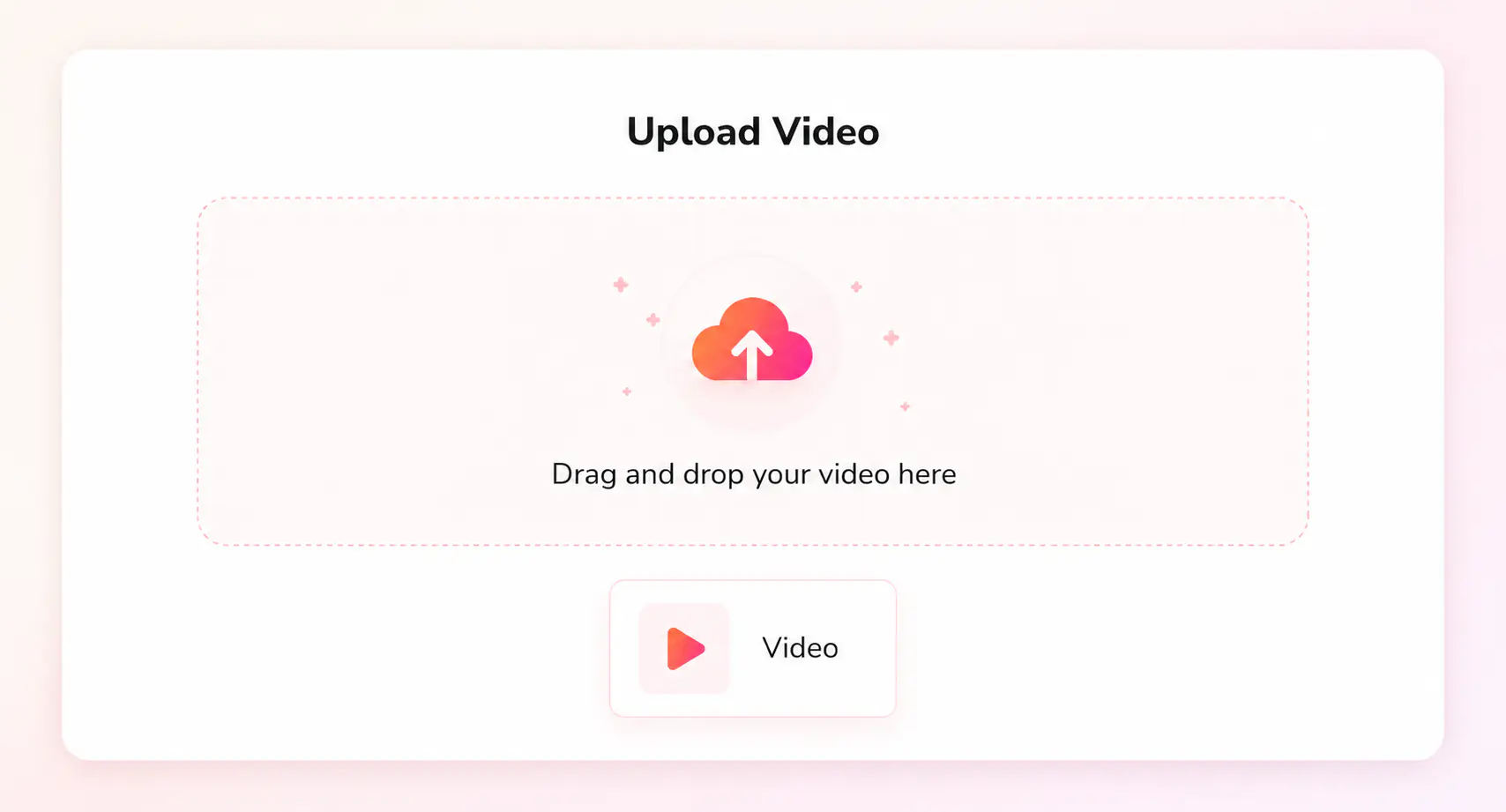
Click “Upload an MP4 File” and select an MP4 video for online conversion.
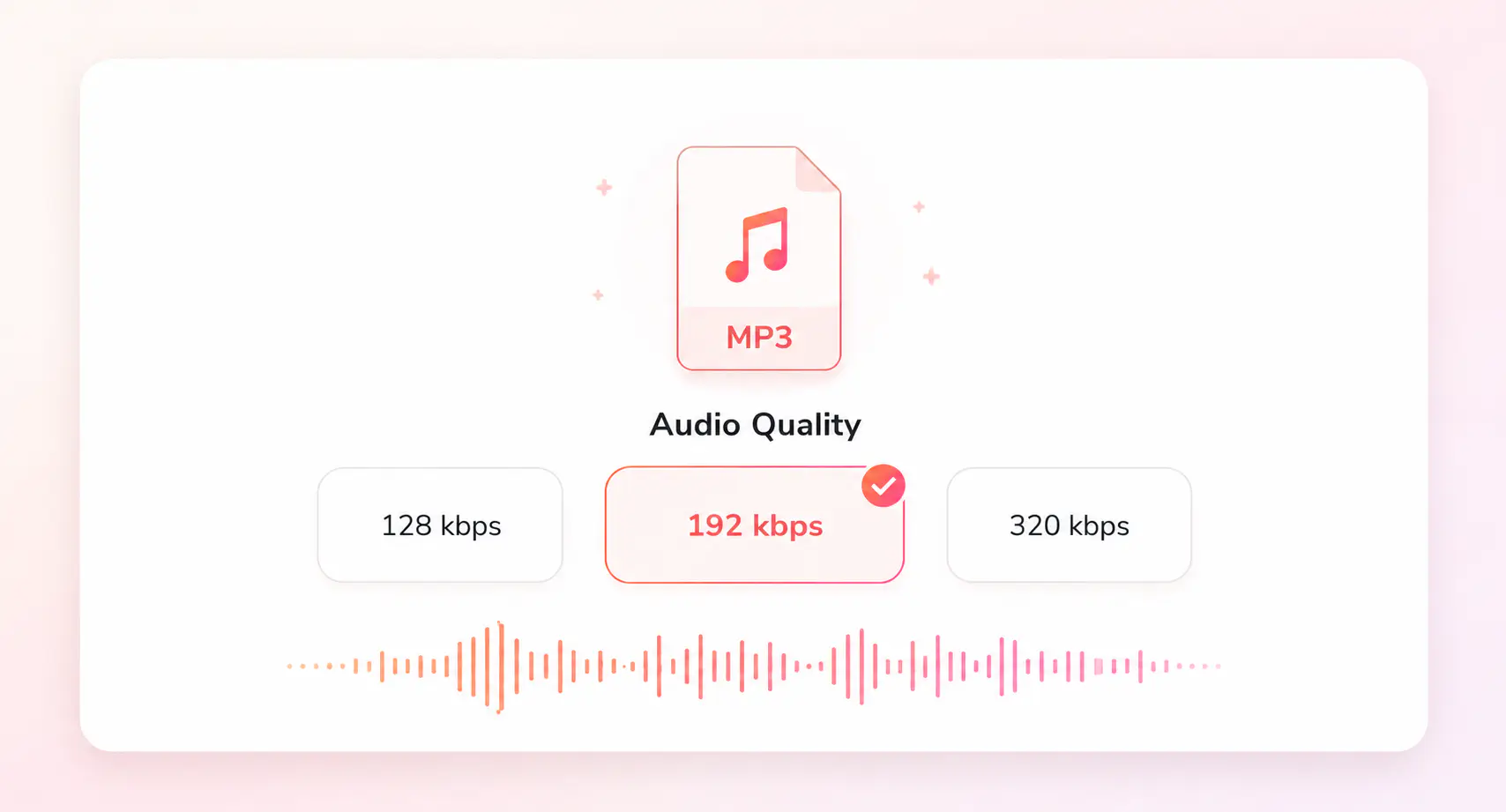
Choose MP3 as the output format, then pick the audio quality that fits your content: 128kbps for voice, 192kbps for most videos, or 320kbps for music.
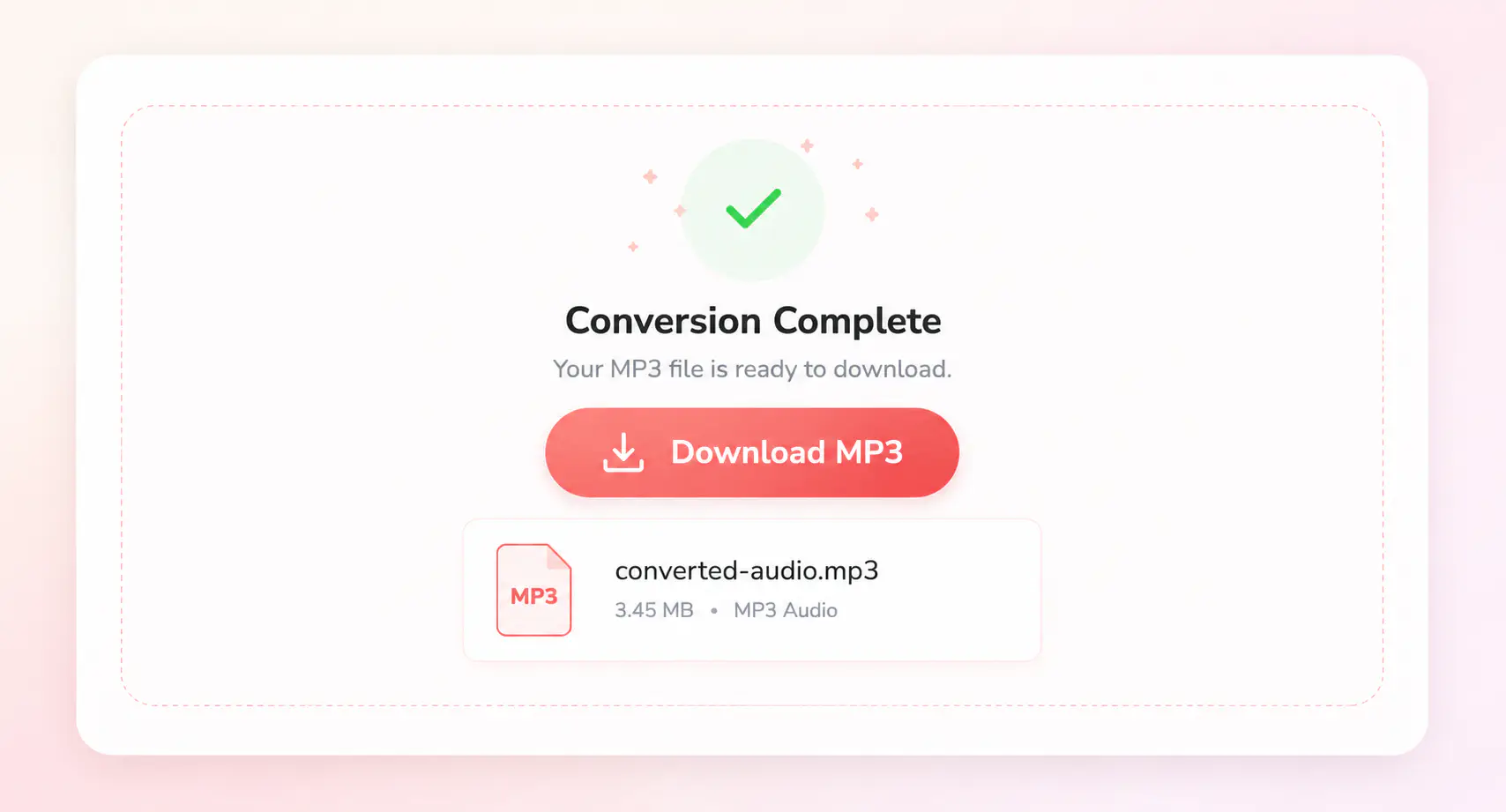
Extract the audio from your MP4 video and save the finished MP3 file to your device.
More MP4 and Audio Converter Tools
Continue with related MP4 audio extraction and video format converters
Extract MP3 from MP4 with Any Video Converter
Handle large MP4 files, folders, and local audio extraction on Windows or Mac
FAQs about MP4 to MP3 Converter
Quick answers about extracting MP3 from MP4
Can I convert MP4 to MP3 online for free?
Yes. You can convert MP4 to MP3 online for free when you need a quick audio copy from a video. It is useful for saving sound from clips, recordings, lessons, interviews, or music videos without installing software.
Why convert MP4 to MP3?
Yes. You can convert MP4 to MP3 online for free when you only need audio from one MP4 video. The online tool is best for quick MP4 files up to 500 MB.
What MP3 quality should I choose for an MP4 video?
Choose 128 kbps for speech, voice notes, meetings, or smaller files. Use 192 kbps for most everyday videos. Choose 320 kbps when the MP4 contains music, detailed sound, or audio you want to keep clearer.
When should I use a desktop MP4 to MP3 converter?
If you need MP3 audio from long videos, course folders, meeting archives, or many MP4 files, you can use Any Video Converter to extract audio locally, process files in batches, and reuse your preferred MP3 settings on Windows or Mac.